NFC registration
Registering players with NFC stickers and cards
This guide is for session admins who want faster check-in at court. You will set up an NFC reader, register stickers to players, and use scans for repeat check-ins.
Set up NFC hardware and app access
- Download MixItOne for your platform (Microsoft Windows or Apple macOS).
- Connect a compatible USB card reader to your computer.
- Start a game session in MixItOne before scanning.
- If you need MixItOne NFC stickers and a reader kit, email support@mixitone.com with:
- Club name
- Number of stickers needed
- Shipping address
- Support will confirm pricing and send an invoice (reader and sticker kit at cost plus shipping).
Once you've placed your order, you'll receive your stickers, which are ready to be distributed to your players.
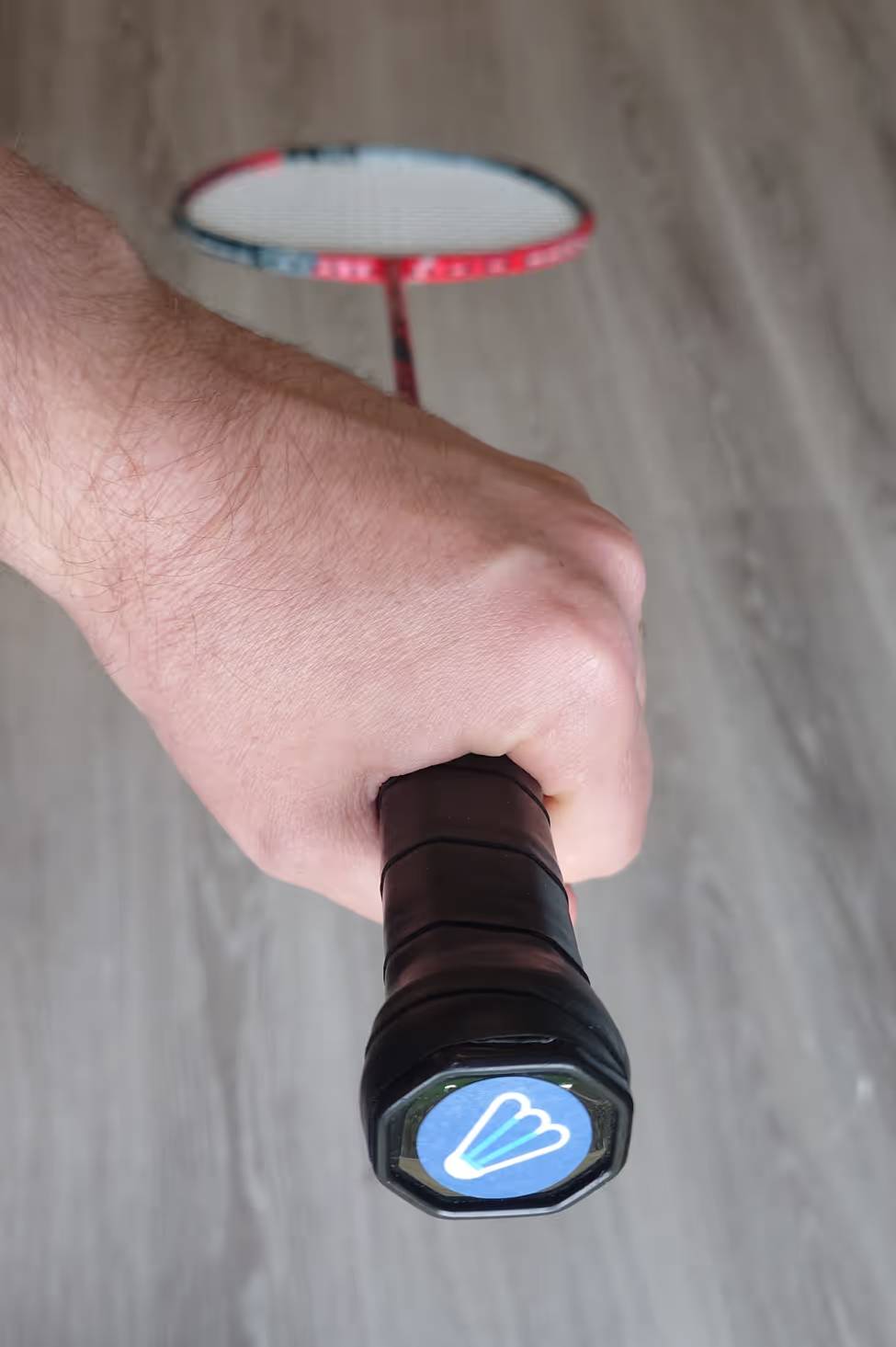
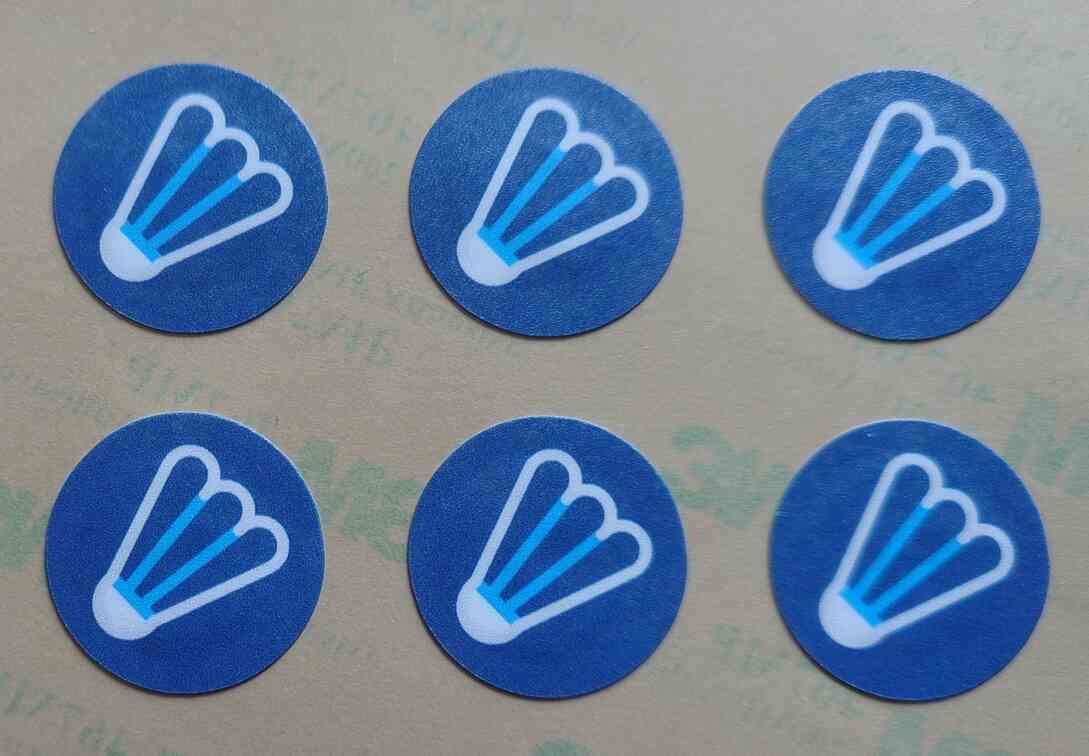
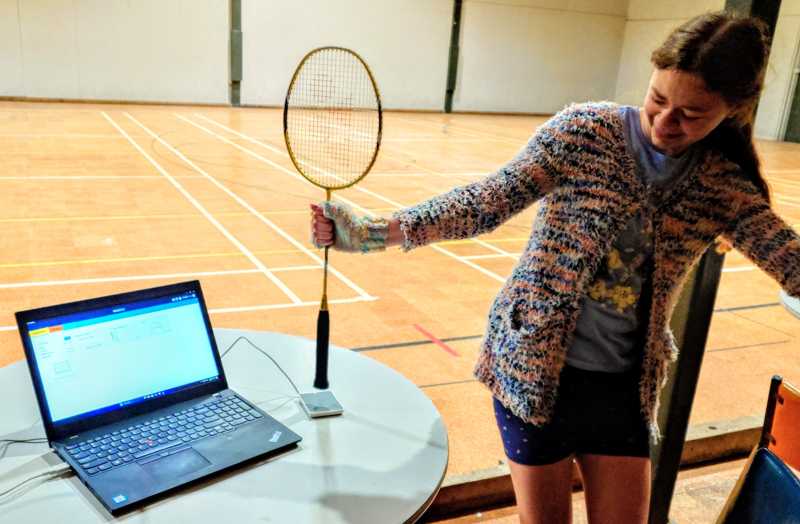
Using NFC Stickers
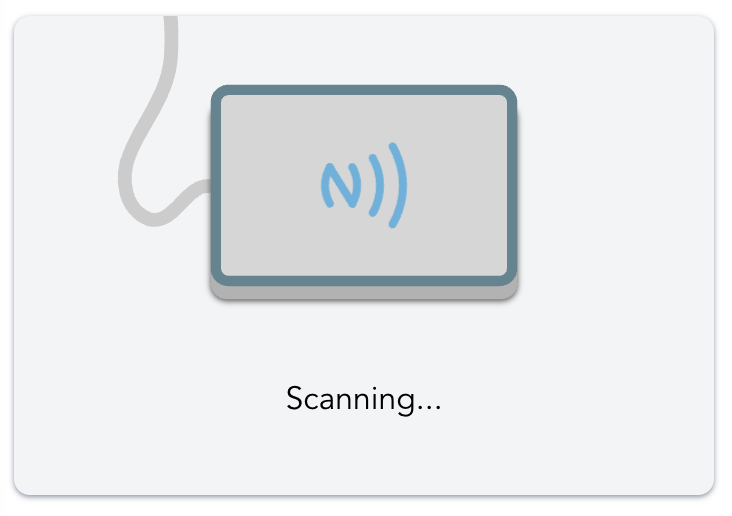
- Open the active session registration screen and confirm the scanner shows as ready.
- Place a sticker or card on the reader.
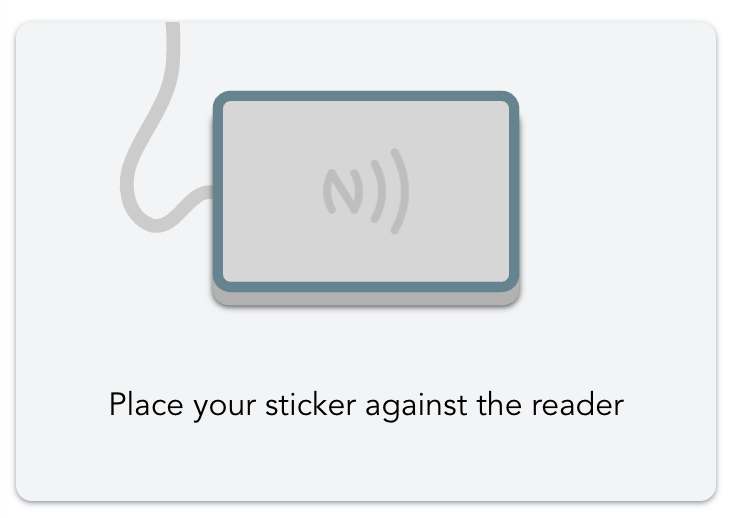 ➤
➤
- If the sticker is new, choose to create a new player or link an existing player.
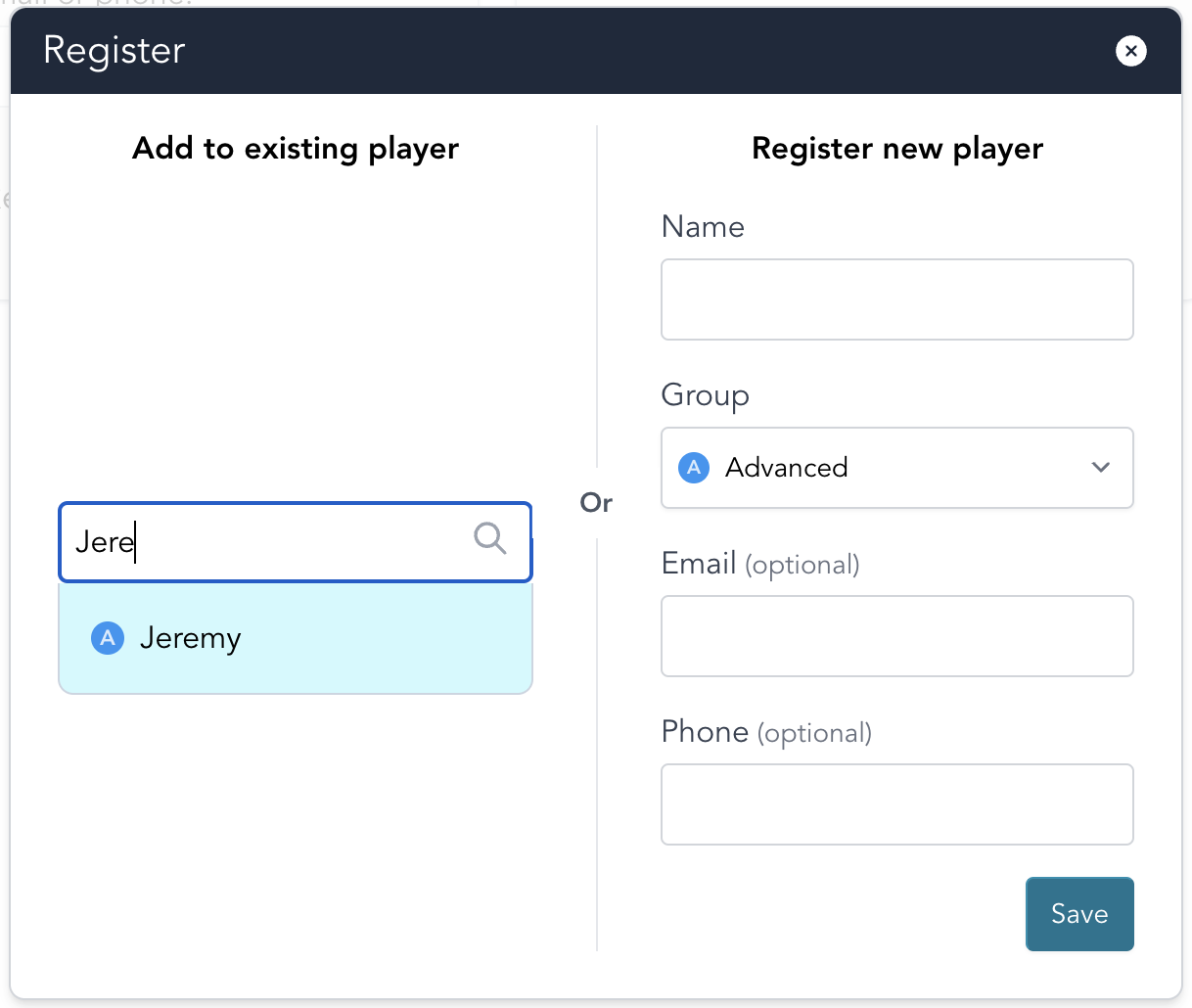
- Save the registration when prompted.
- Ask the player to scan again to confirm check-in works.
Stick the NFC sticker to a convenient location, such as the base of a badminton racket.
Expected result
- The scanner shows ready when the session is running and reader is connected.
- New stickers can be linked to new or existing players.
- Returning players can check in by scanning their sticker once.
Troubleshooting
- Scanner not ready: Make sure a session is running and the USB reader is connected.
- Sticker is not recognized: Reposition the sticker on the reader and try a second scan.
- Wrong player linked: Re-scan and update the player selection in the registration prompt.
- Player cannot check in: Confirm the sticker was saved to that player record, then scan again.
Using with multiple clubs
If you're a player at multiple clubs, you can use the same NFC sticker at each club.